Pipeline Overview
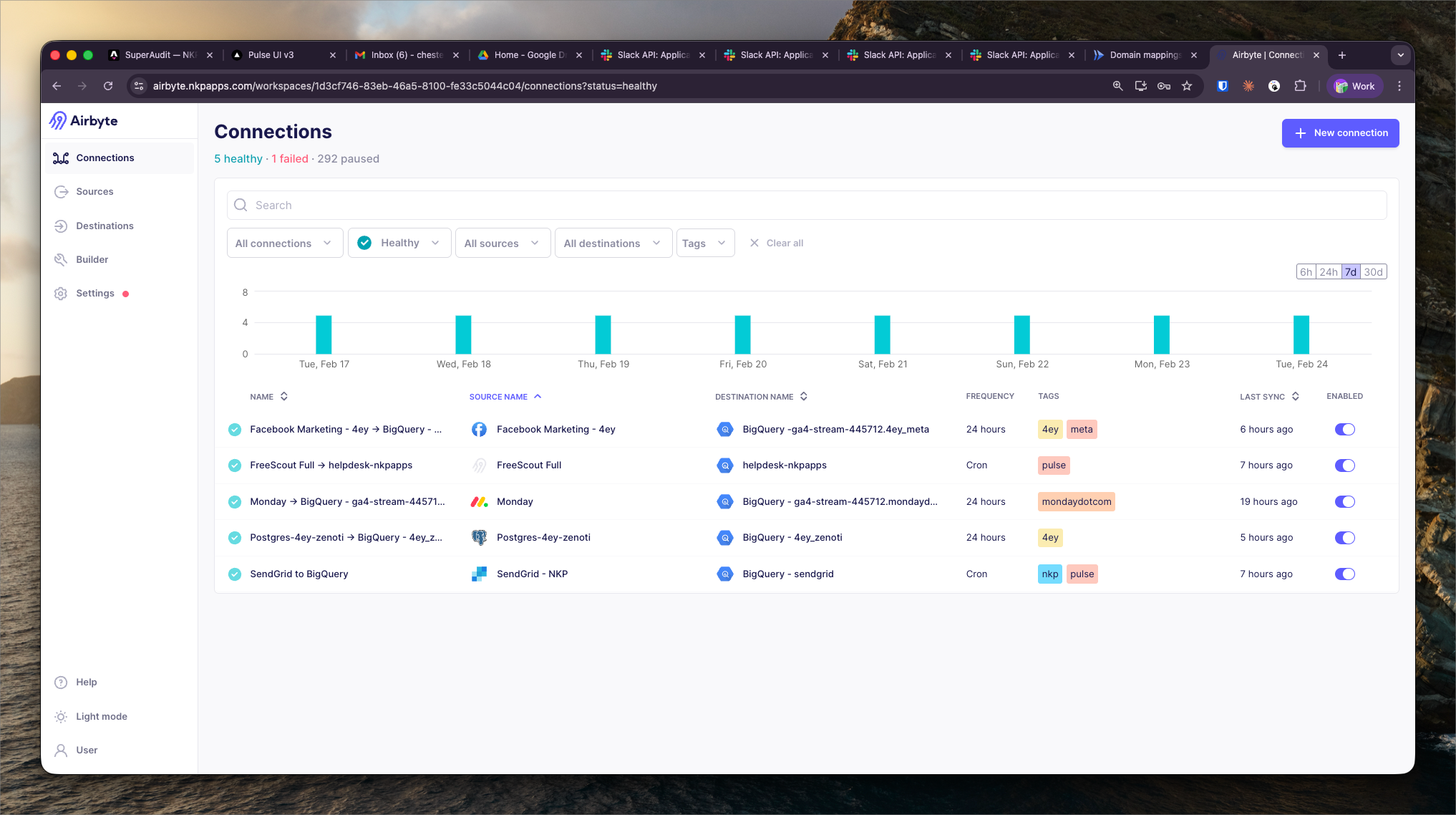
All active sync connections in one view — source, destination, sync frequency, last run status, and row counts.
What It Shows
The Pipeline Overview is the main Airbyte dashboard showing all configured ELT sync connections in a single list. Each row represents one connection from a data source to BigQuery.
Per-connection data:
- Source — the data system being ingested (GA4, Monday.com, Screaming Frog, etc.)
- Destination — BigQuery dataset in
nkp-llm - Sync frequency — schedule (hourly, daily, weekly, manual)
- Last run status — Succeeded / Failed / Running
- Last run timestamp and rows synced
Active Pipelines
The NKP Airbyte instance manages ELT for external data sources that feed into Pulse. Key pipelines include:
- GA4 export → BigQuery (
ga4-stream-445712project) - Monday.com boards → BigQuery (
monday_datadataset) - Screaming Frog export processing → BigQuery (
technical_seodataset) - Google Business Profile metrics → BigQuery (
gbp_datadataset)
Custom Python pipelines (pytrends, OpenAI, Gemini) run outside Airbyte but are documented alongside it.
Monitoring Sync Health
The pipeline overview is checked at the start of each week to verify all syncs completed successfully. Failed syncs are investigated immediately — a failed Monday.com sync, for example, would cause Pulse's SEO Fulfillment Pipeline to show stale data.
Sync failure notifications are sent to the dev team via email alerts configured in Airbyte's notification settings.