Processing Dashboard
Active and queued optimization jobs with source/output size comparison and compression ratio per image.
What It Shows
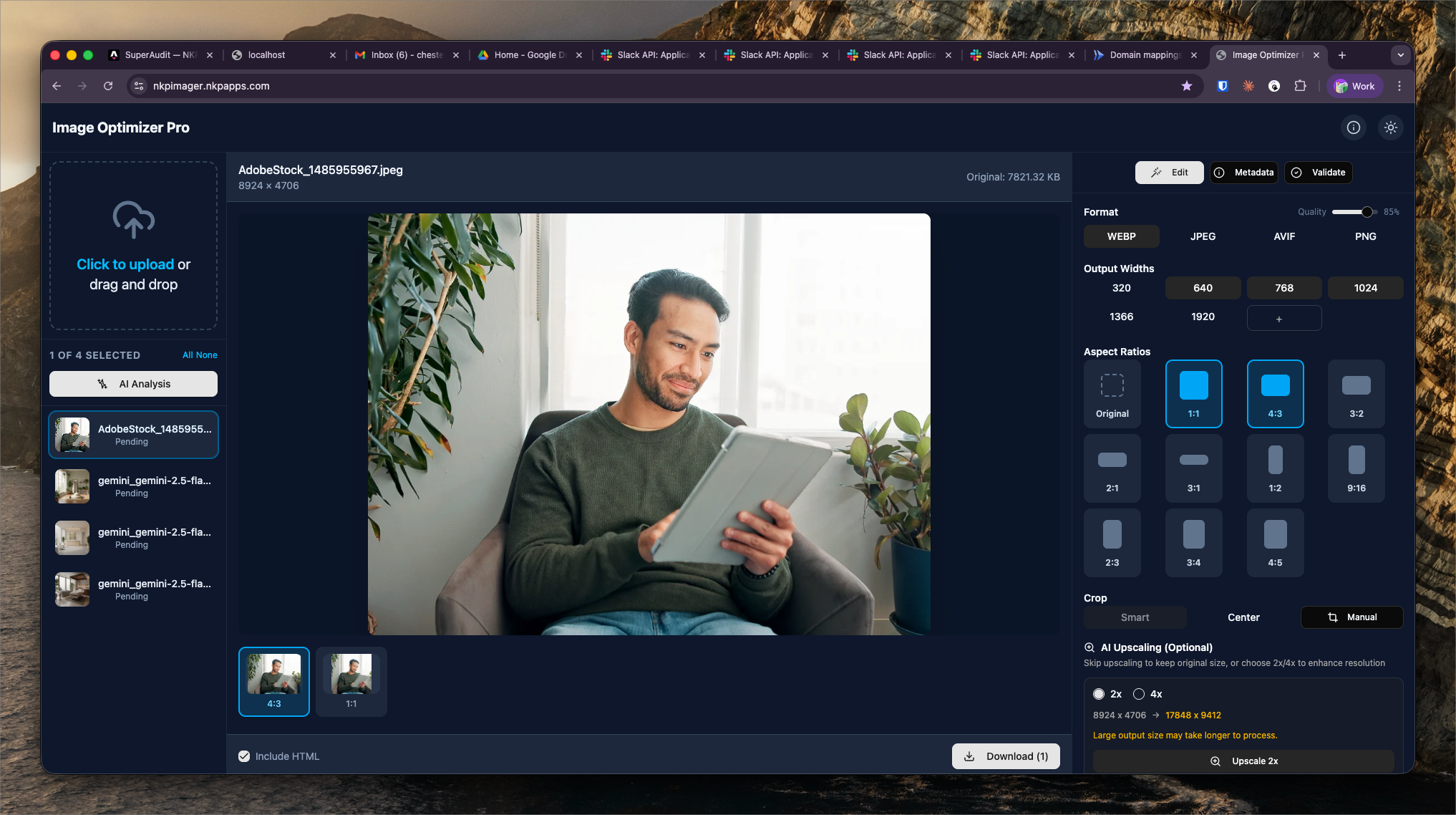
The Processing Dashboard shows all image optimization jobs — queued, in-progress, and completed. For each processed image, it displays the original size, output size, compression ratio, and output format.
Per-image job data:
- Source size — original file size in KB/MB
- Output size — processed file size
- Compression ratio — reduction percentage (e.g. "68% smaller")
- Format — WebP / AVIF / JPEG
- Status — Queued / Processing / Complete / Failed
- Dimensions — output width × height
Typical Compression Results
NKP Imager consistently achieves significant size reductions from client-provided source images, which are often unoptimized camera exports or CMS uploads:
- JPEG → WebP at quality 80: typically 60–75% size reduction
- PNG → WebP: typically 70–85% reduction
- JPEG → AVIF at quality 65: typically 75–85% reduction
These reductions directly improve page load times and Core Web Vitals scores for client sites.
Downloading Output
Completed images can be downloaded individually or as a zip archive. The output filenames preserve the original name with the new extension (e.g. hero-photo.jpg → hero-photo.webp). This makes it easy for the NKP team to upload optimized images back to client CMS systems with minimal renaming.