Upload Interface
Drag-and-drop image upload with format selection (WebP, AVIF, JPEG) and quality settings before processing.
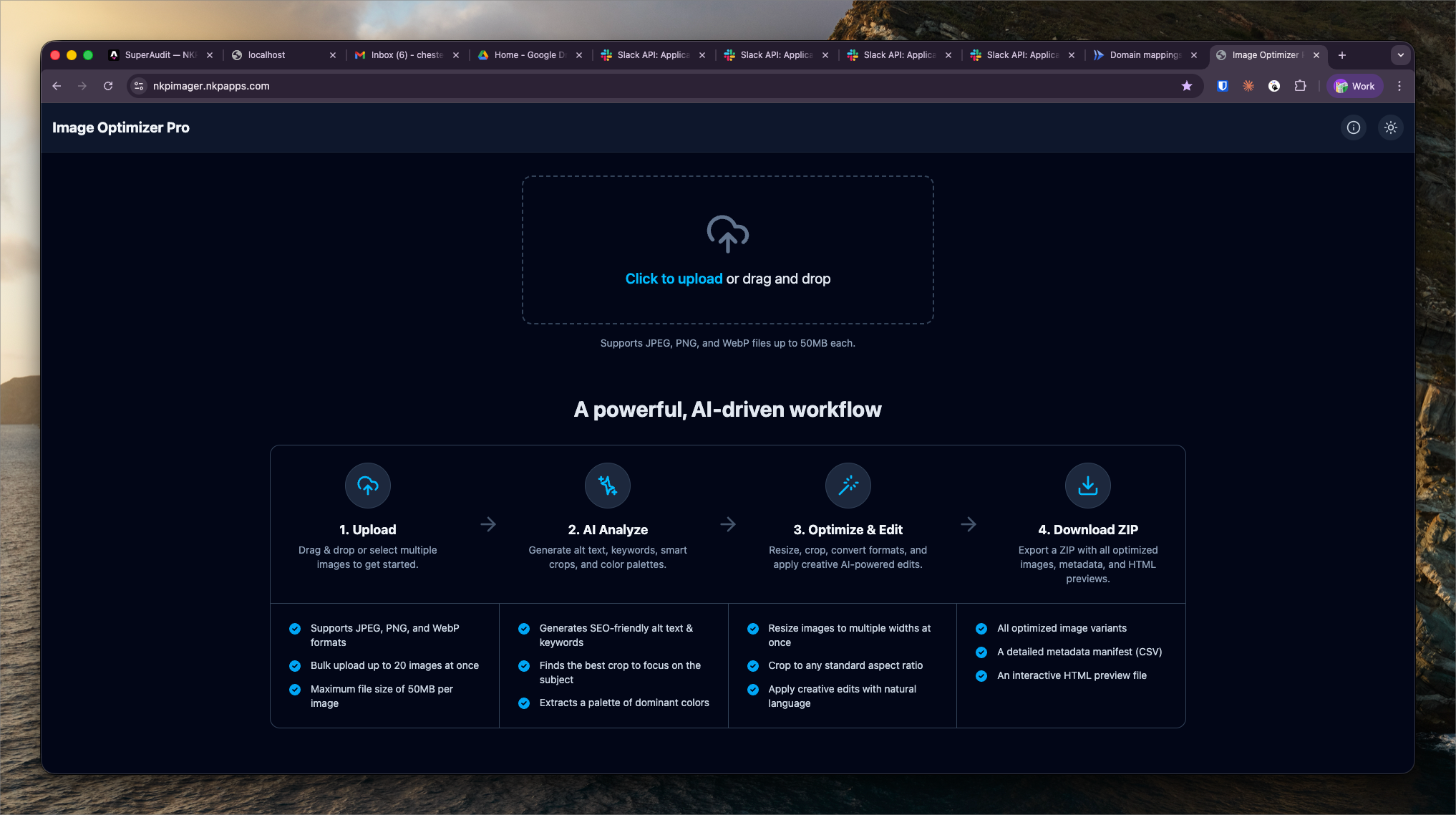
What It Shows
The Upload Interface is the entry point for NKP Imager. It accepts source images via drag-and-drop or file picker, and presents output format and quality options before submitting the processing job.
Upload options:
- Output format: WebP, AVIF, or JPEG
- Quality setting: 1–100 (default 80 for WebP/JPEG, 65 for AVIF)
- Batch upload: Multiple files in one submission
Format Guidance
Choosing the right output format depends on the use case:
- WebP — best general-purpose format for web; excellent compression, broad browser support. Default recommendation for most NKP client images
- AVIF — superior compression vs. WebP (30–50% smaller at same quality) but slower to encode; best for high-volume image-heavy sites
- JPEG — use when the destination system or CMS doesn't support WebP/AVIF, or when compatibility is required for older email clients
Quality Settings
The quality slider controls the trade-off between file size and visual fidelity:
- 80 — default for web delivery; near-lossless quality, significant size reduction vs. original
- 60–70 — good for thumbnails and small UI images where pixel-perfect quality isn't critical
- 90+ — use for hero images or photographs where fine detail matters
After uploading, images are queued in the Processing Dashboard.