Auto-Respond
AI-assisted review response drafting — generates on-brand responses per review sentiment for team review before posting.
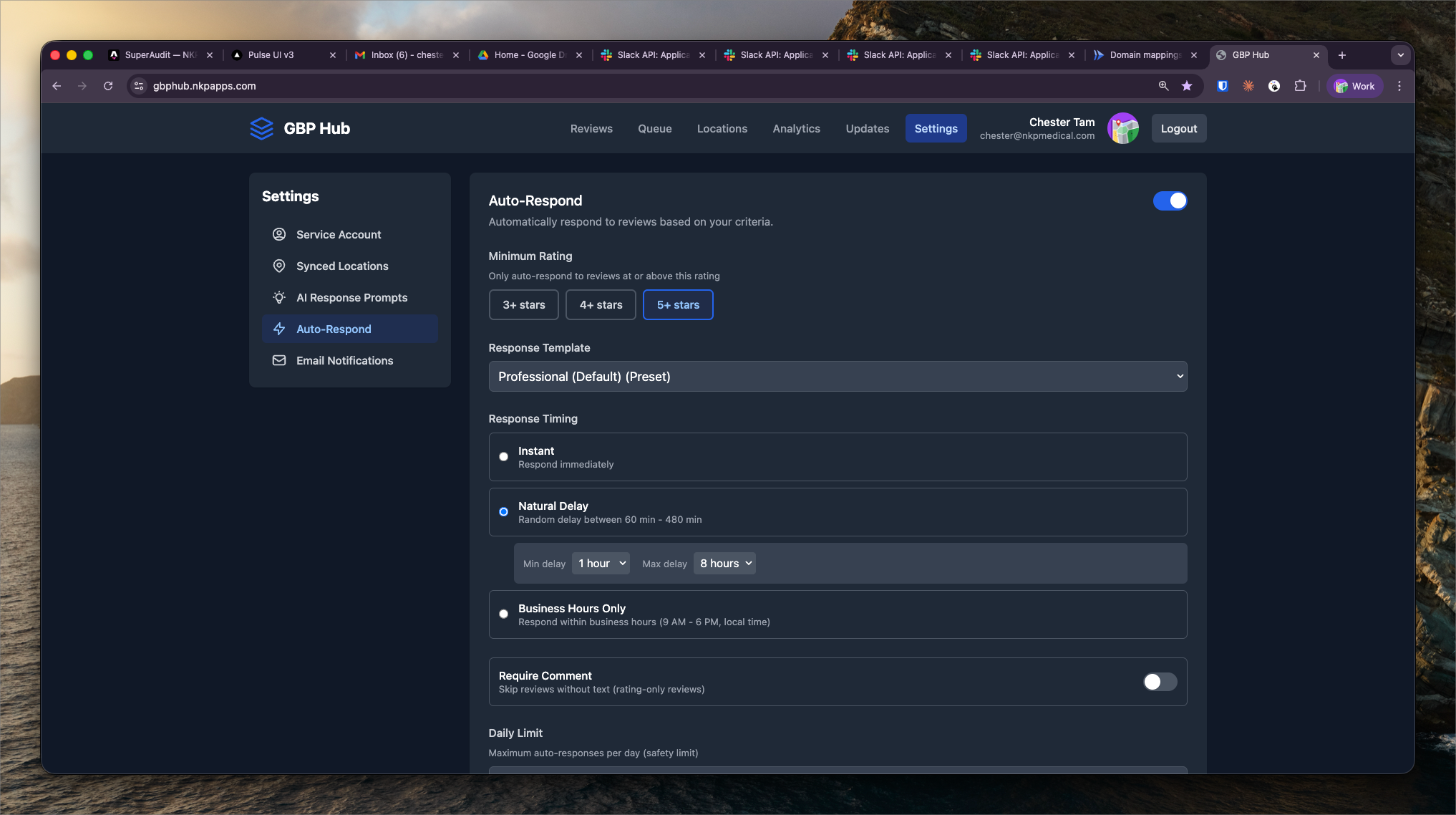
What It Shows
Auto-Respond generates a suggested reply for each new Google review. The response draft appears in the Review Triage view alongside the original review, ready for account manager approval before posting.
Responses are generated per review within minutes of the review being detected by the pipeline.
How Response Generation Works
Each review is sent to the LLM with:
- The review text and star rating
- The client's practice name, specialty, and location
- A tone template configured per client in Settings (professional, warm, formal)
- A constraint prompt: HIPAA-safe language, no admission of specific patient details, no defensive language for negative reviews
The model produces a 2–4 sentence response appropriate to the sentiment:
- 5-star reviews — brief thank-you, reinforce the practice's strengths
- 3–4 star reviews — acknowledge feedback, invite them to contact the office
- 1–2 star reviews — empathetic opening, redirect to offline resolution, no confrontation
Human-in-the-Loop
Auto-Respond is designed as a drafting tool, not an autonomous poster. Every response requires explicit account manager approval before being posted via the GBP API. This ensures HIPAA compliance and brand consistency.
Account managers can edit the draft or discard it and write a custom response. Approved responses are posted immediately via the GBP API.